The problem I kept running into
You know the drill. Thirty browser tabs open. A folder on your desktop called “refs_final_v3_NEW” that hasn’t been organized in eight months. One reference you swore you saved. Another app for notes. Another for boards. Another for browsing. You’re not making art anymore — you’re managing chaos.
So I built the thing I wanted to use.
Lumaref is a desktop reference board for artists. Browse the web, grab references, sort them, sketch over them, study them — all without leaving the app, all without an account, all on your own machine.
What it actually does
Here’s the short version of what changed for me when I started using it.
I stopped losing references. The browser is built in, so I just… don’t close the tab. Everything I hover over can be captured in one click.
I stopped context-switching. Notes go on the canvas. Annotations go on the image. No more alt-tabbing to Notion or sticky notes or that one random .txt file.
I stopped paying subscriptions. Free to try now. License-based when you buy — one-time, no subscription. Done.
The longer version is below.
Why I built it
PureRef does the board really well. Eagle does the library really well. Milanote is flexible but lives in the cloud and charges you every month. I kept wishing one of them would just do the whole thing — offline, fast, and actually built for how artists work.
So I started building it.
Not a PureRef clone. Not an Eagle clone. The tool I wanted: browse + capture + organize + study, in one offline app.
How it stacks up
I’m not going to pretend the others are bad. They’re not. I used them all.
| Feature | Lumaref | PureRef | Eagle | Milanote |
|---|---|---|---|---|
| Infinite board | ✅ | ✅ | ❌ | ✅ |
| Built-in browser | ✅ | ❌ | ❌ | ❌ |
| One-click capture | ✅ | ❌ | ❌ | ❌ |
| Asset library + tags | ✅ | ❌ | ✅ | ❌ |
| Auto color palette | ✅ | ❌ | ✅ | ❌ |
| GIF support with frame controls | ✅ | ❌ | ❌ | ❌ |
| Groups + isolate mode | ✅ | ❌ | ✅ | ✅ |
| Annotations | ✅ | ✅ | ❌ | ❌ |
| Study tools | ✅ | ❌ | ❌ | ❌ |
| Fully offline | ✅ | ✅ | ✅ | ❌ |
| No account needed | ✅ | ✅ | ✅ | ❌ |
| Free to try | ✅ | ✅ | ❌ | ❌ |
| One-time price | ✅ | donation | $29.95 | $16/mo |
Quick read:
- PureRef — the king of boards. Donation-based, no library, no browser.
- Eagle — the king of libraries. Great organization, no infinite canvas, no browser.
- Milanote — pretty and flexible. Cloud-only. Monthly fee.
Lumaref is the only one here that does all of it, offline, for a one-time price.
Who this is for
You’ll probably like Lumaref if:
- You keep PureRef open and a browser next to it. Always.
- You’ve got a “refs” folder that’s a graveyard of unused screenshots.
- Your cloud tools work great until your internet doesn’t.
- You close Chrome and lose the reference you needed.
- You study anatomy, lighting, or proportions and want to draw on the reference, not next to it.
If that’s you, this is for you.
What’s inside
Infinite canvas — arrange images the way you actually think. Stack, compare, zoom, scatter. No grid forcing you into folders you don’t want.
Built-in browser — open ArtStation, Pinterest, Google Images, or literally any site. Hover an image, click capture, done.
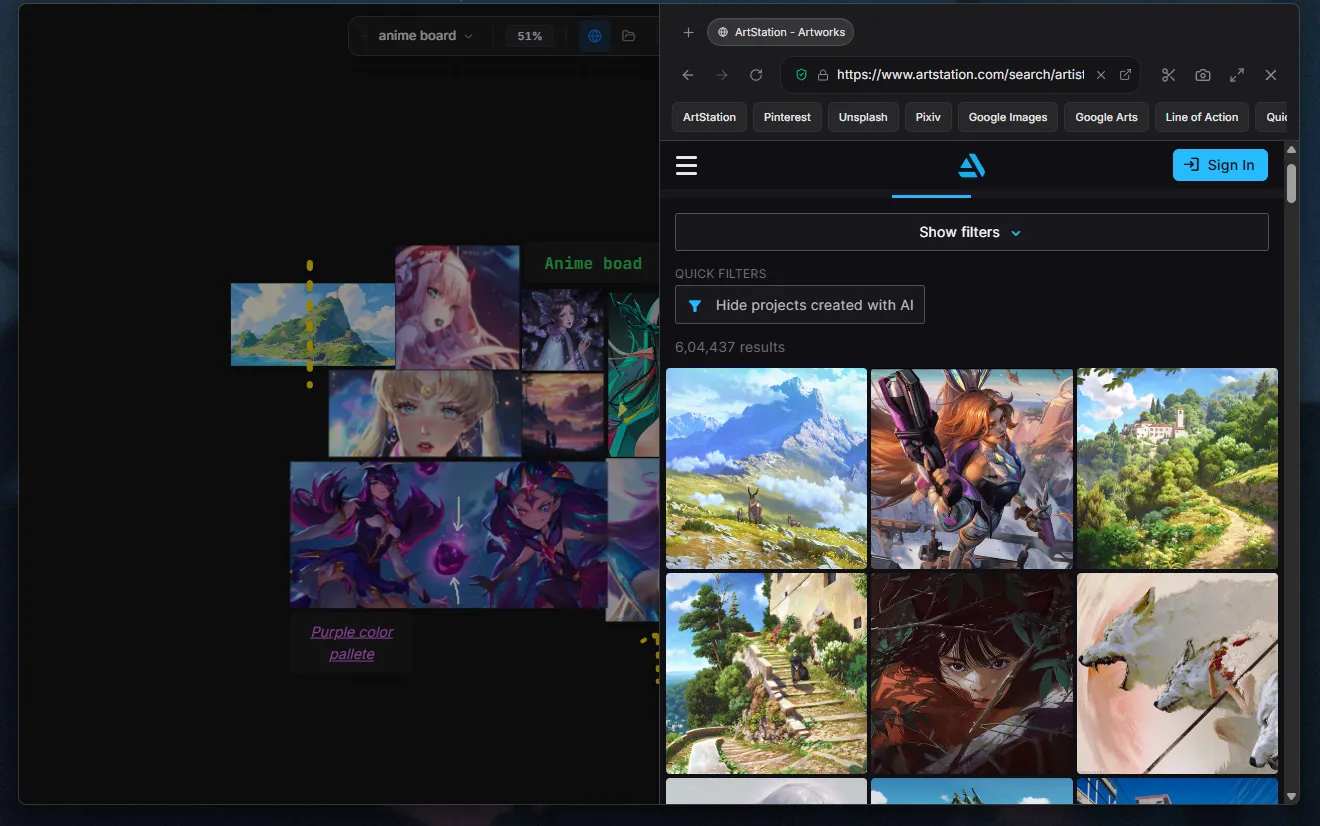
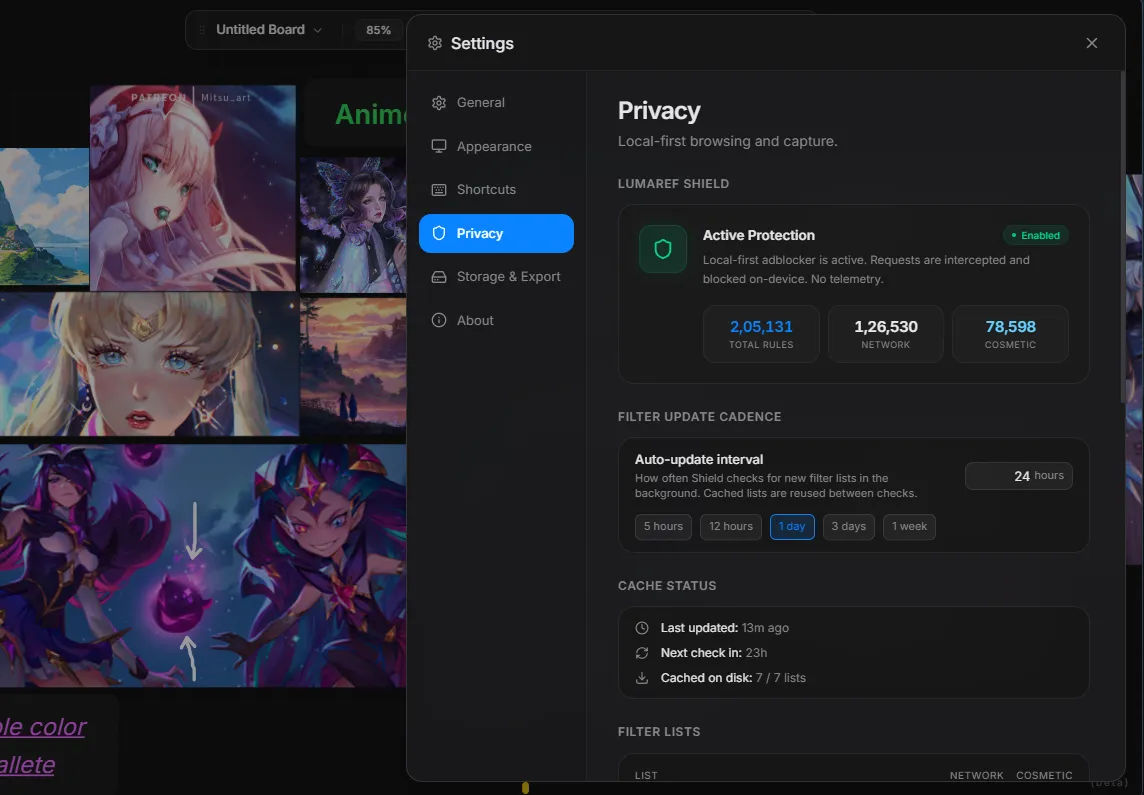
Ad-blocker that just works — uBlock-style rules, baked in. No setup. No extensions. No ads.
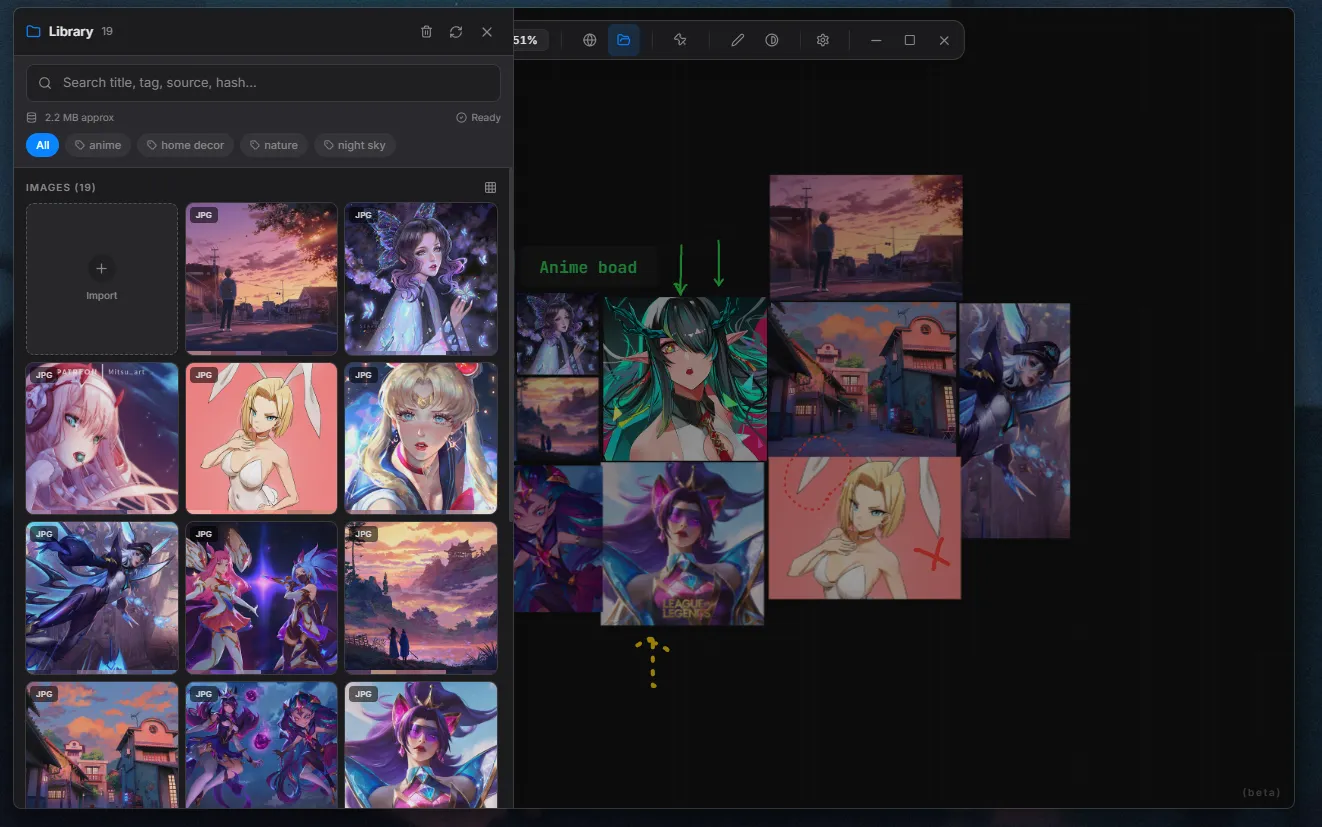
Asset library with tags — drag in files or import by URL. Tag them, search them, pull them onto the board whenever.
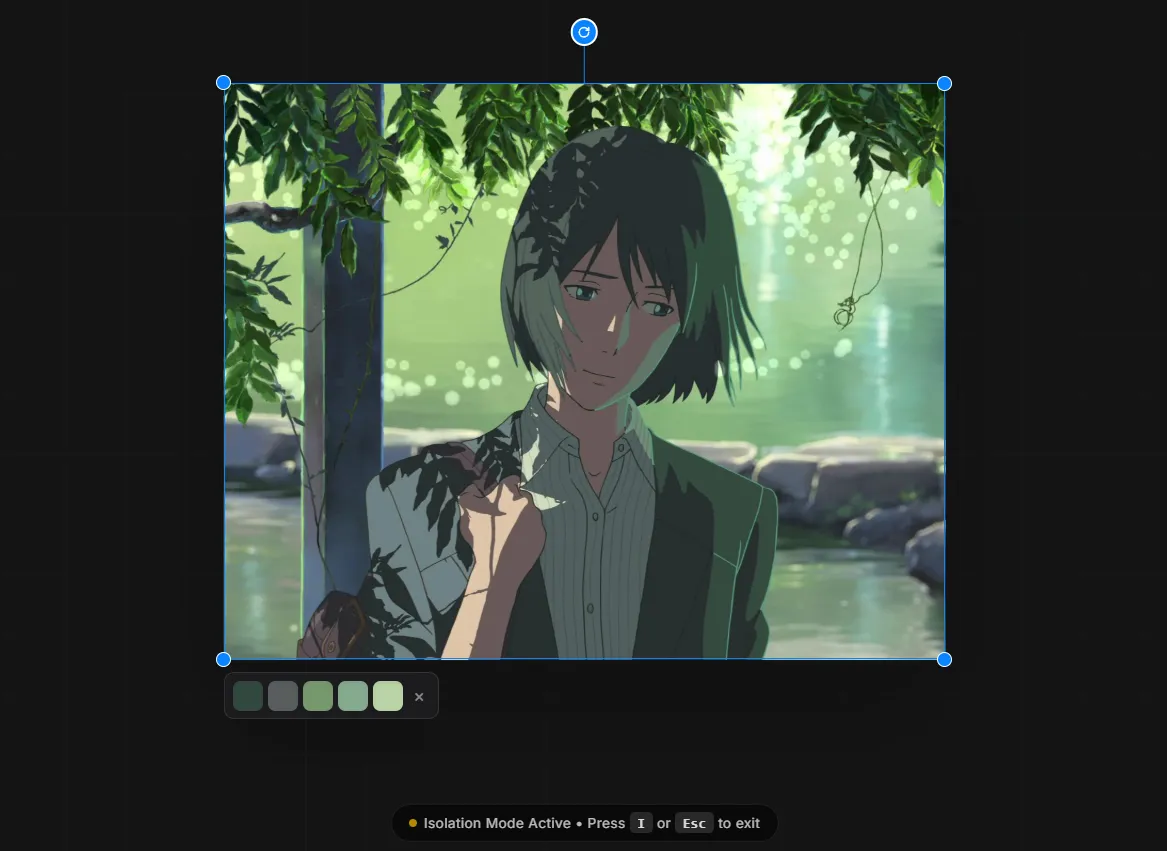
Auto color palette — every image gets a palette automatically. Sort by mood. Compare tones. Study values faster.
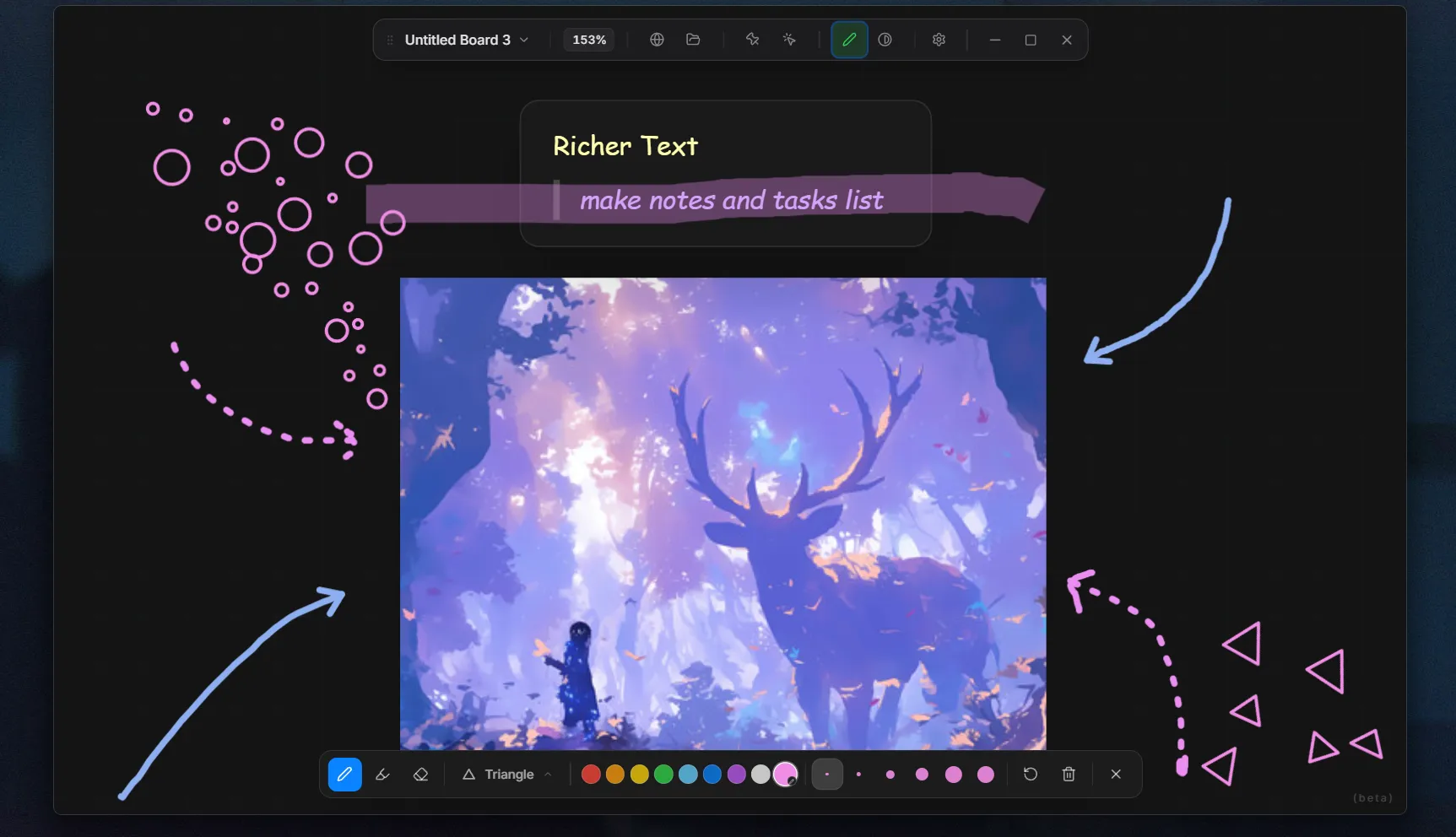
Annotations — pen, highlighter, eraser. Mark proportions, trace shapes, circle details.
Study tools — color/grayscale split, isolate one reference, step through a set one by one. Keep the board visible while you paint in Photoshop, Procreate, Krita, whatever.
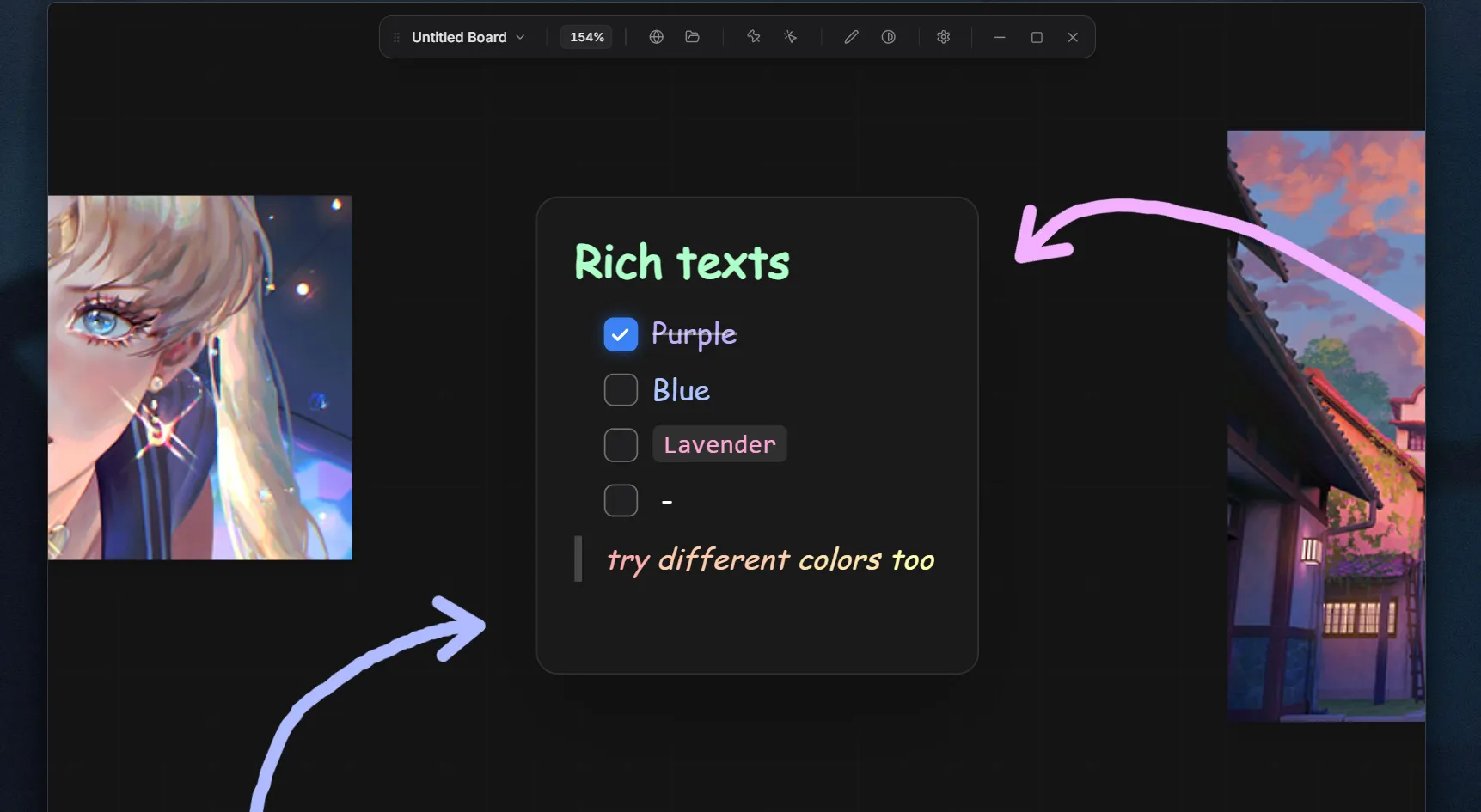
Text notes — anatomy reminders, lighting notes, “use more contrast here” — right next to the image.
One file, everything inside — board, images, notes, layout, all in one .lref file. Back it up. Send it. Open it in six months. It’s exactly where you left it.
What’s new in 0.0.5-beta
The big one. Built from the feedback you sent in.
GIF support with playback controls — drop a GIF on the board and actually study it. Play, pause, step through frame by frame. All the image operations (flip, grayscale, crop, etc.) work on GIFs too.
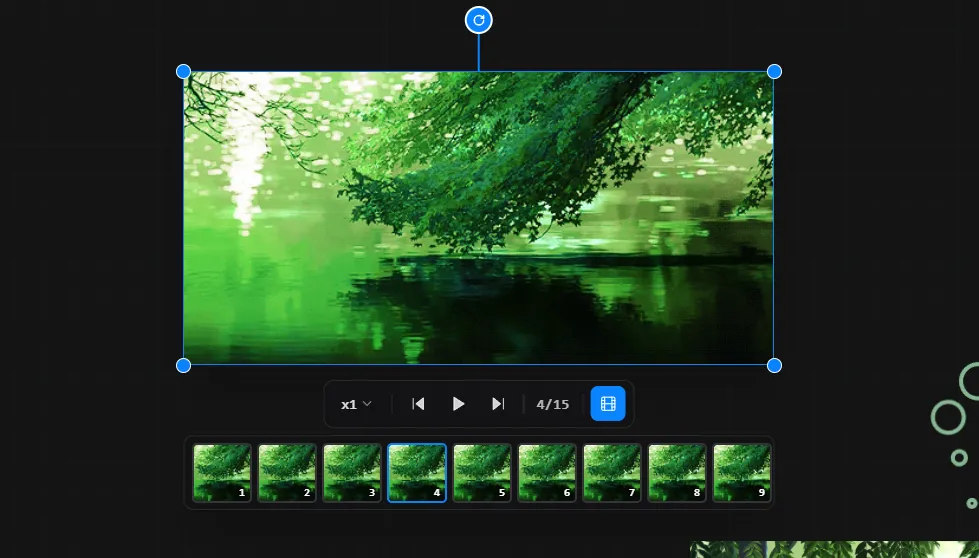
Isolate mode (press I) — click any image, hit I, everything else fades out. One reference, full focus. Key is rebindable.
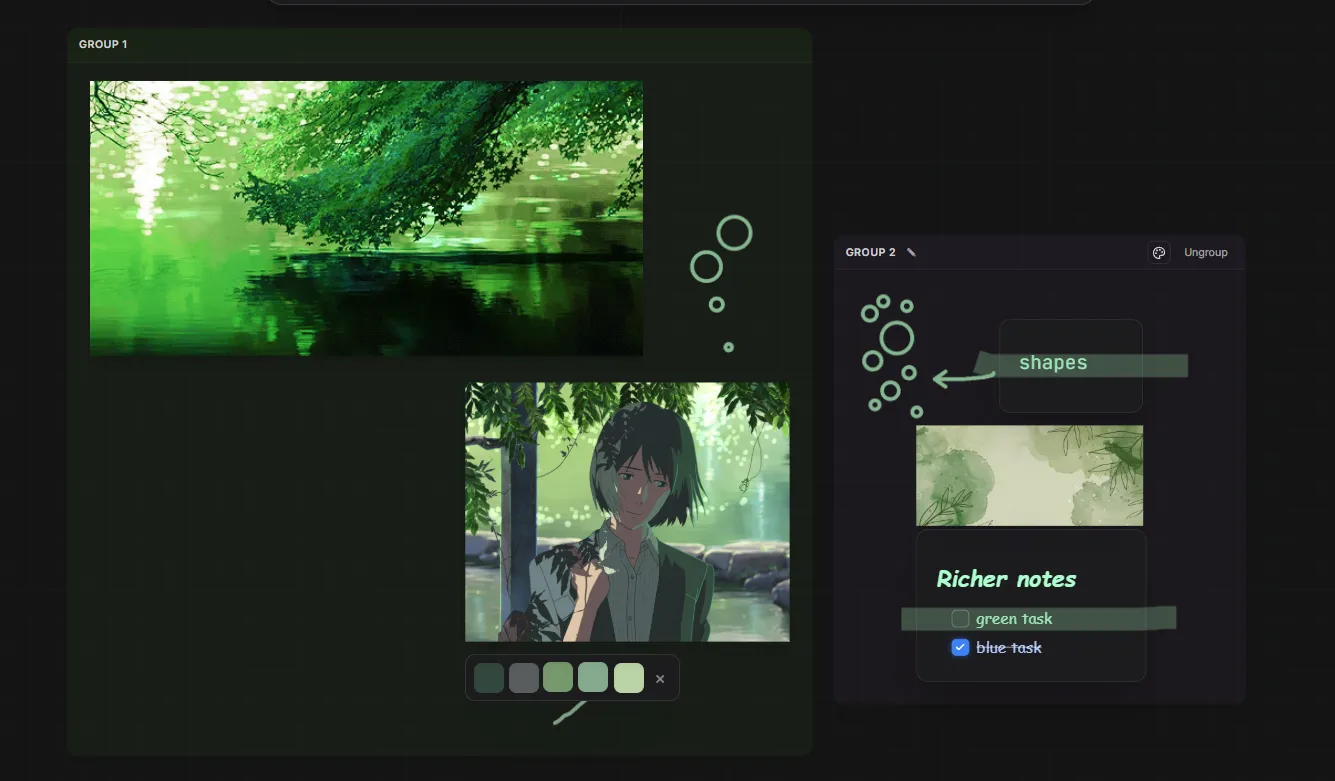
Groups, done right — tinted background, proper title, drag-resize the container, ungroup with one click. Behaves the way you’d expect a group to.
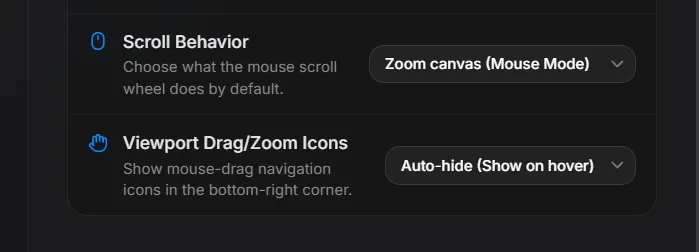
Trackpad dragging — hold Space + click to pan. The fix trackpad users have been asking for. Touch-device option in settings too.
Auto-updater (beta) — the app can now check for and pull updates on its own. License-based, so updates just work.
Smaller fixes — organized right-click submenus, shortcuts shown next to menu items, smoother zoom, macOS fullscreen fix, node frames at extreme zoom.
Free to try — the honest part
I’m one person. This is 0.0.5-beta. There are bugs. There are missing features. There are things I shipped and immediately regretted.
But I’d rather build this in public than pretend it’s finished when it isn’t.
Here’s the deal right now: Lumaref is free to try for a limited time — full app, all features, no paywall. Decide if it’s worth it. If you buy during beta, you lock in the beta price (around $20, possibly with a discount — I’m still working that out) before it goes up at v1.0.
It’s also license-based now, not a one-off download. You get a proper key, auto-updates actually work, and the beta pricing stays yours forever.
I want Lumaref to be sustainable. That means earning enough from it to keep going — dev licenses, Windows certification, the boring stuff that keeps a project alive. More than that, I want the freedom to keep working on features artists actually want. The beta is how that happens.
If you try Lumaref, you’re not just testing an app. You’re helping me figure out what it should become.
I want the Discord to be a real place. Bugs, features, workflow ideas, art talk, whatever. If something breaks, tell me. If you have an idea, tell me. If you just want to talk about composition for an hour, also tell me.
I read everything.
→ Join the Discord — I’m there, and I’d genuinely love to hear what you think.
One email when Lumaref v1.0 goes live.
Get an early-bird discount the day v1.0 ships, plus occasional behind-the-scenes notes. No spam, unsubscribe anytime.
Beta supporters get a v1.0 upgrade key — no action needed.